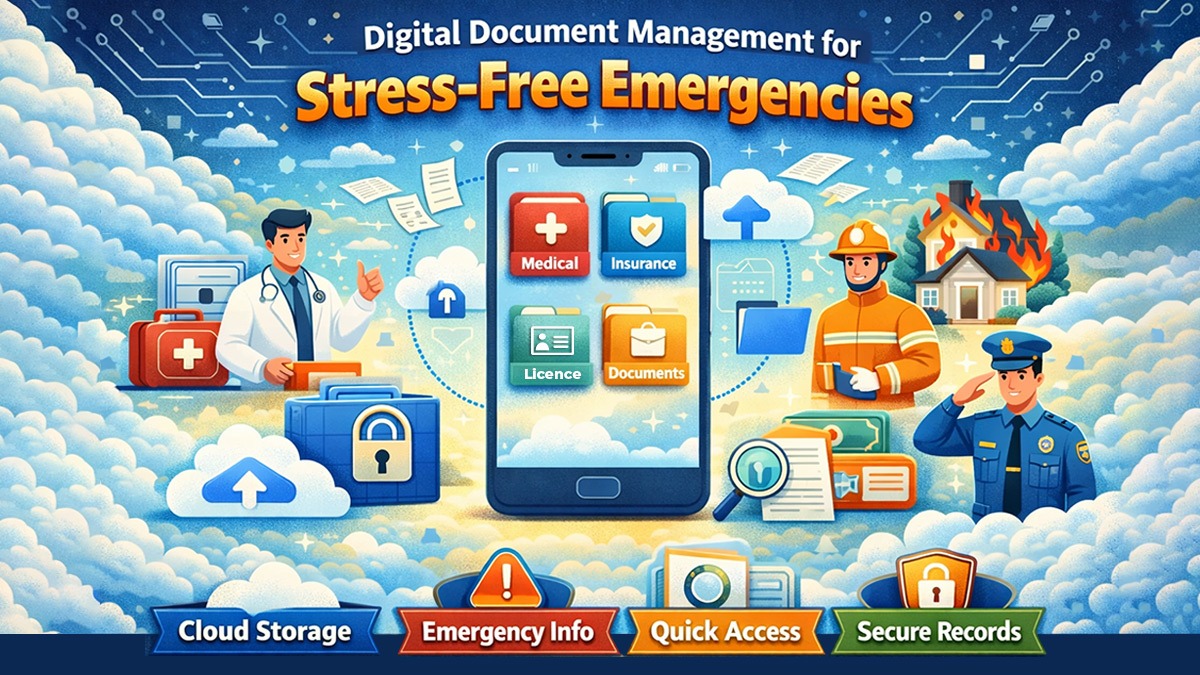
In the difficult times of COVID, people who tested positive at that time still had a ray of hope. If anything happens to them, they have enough Life Insurance and Medical Insurance.
People were anticipating a simple but crucial task that could give their families nightmares in times of need. It is the appropriate organisation of their documents. Though they keep most of their documents in physical files, they did not have a specific place to store them when they need them.
During quarantine, I had extra time, which I used to start organising all my personal and family documents using personal management software.
The blog illustrates the significance of keeping documents digitally, even if they can be saved physically.
Even if we don’t feel an urgent need for it, over time, it can save us significant amounts of time, energy, and hassle for the following reasons:
- Life-long safekeeping and never worry about losing any document ever.
- Physical documents are prone to spoilage and theft.
- Quick retrieval of Physical documents is not always possible or feasible.
- Many a time, we only need photocopies of physical documents, which can be easily accomplished by an online repository.
- Instant, anytime, anywhere access to all our documents.
- Ability to share documents with others at any moment.
Getting Started Guidelines
Such guidelines furnish two objectives of a document management system: Searchability & Retrievability:
Software Related
- Must be cloud-based, can work in offline mode and available on both mobile and web apps.
- Must have a minimum free space of 10 GB and be extendable on a paid basis, if needed.
- Must have effective security and a robust privacy protection policy.
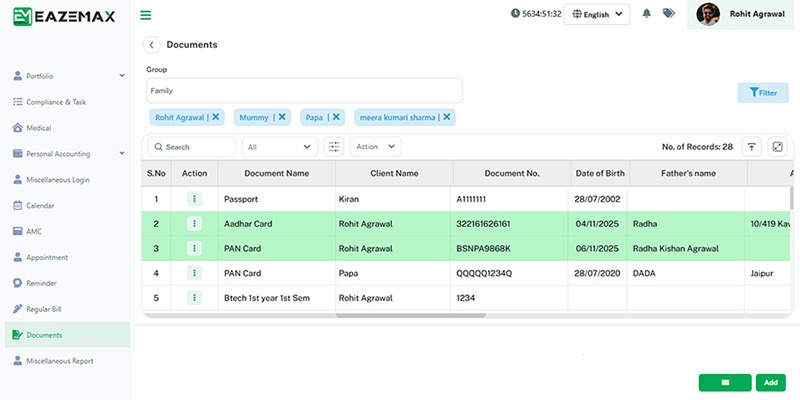
Using the Document Management System
- Secure an appropriate document hierarchy – folders>sub-folders>file for a neat and clean organisation (sample hierarchy provided).
- File Nomenclature should be standardised.
Steps
- Identify and download the relevant online storage and scanner app, and create an account.
- Outline the folder hierarchy basis your requirement.
- Create the folders and sub-folders.
- Scan or get soft copies of the documents and save them in the right folders.
- Give access to relevant family members and give them a walkthrough of the system.
- Update periodically or as and when you have new documents.
- Delete obsolete files regularly.
An example of an individual’s personal digital document management system is illustrated below.
A person has started making a rough sketch in his notebook of the folder hierarchy. He did some iterations and jumped into uploading documents online. The strategy is not to wait for the perfect hierarchy or availability of all the documents, but to start with whatever you have and optimise over time.
Primary Folder Categories
Personal Folders for each Family Member for storing personal documents such as Educational, Medical, Sports, Professional, Regular bills, and other records. Common Folders for certain document types in separate folders, for instance, Asset and Liabilities, Taxation, ID and Address Proofs, etc.
Folder Hierarchy
Documents Checklist
The document checklist is specific to India. If you are from some other country, then the technical terms may vary.
Will is saved in the Assets and Liabilities Folder as a file
The given folder hierarchy and documents checklist are indicative and shall be relied on in the circumstances and preference of the individual for different users.